Mercedes-Benz Internship

S.M.A.R.T data catalog application

Introduction


This past summer I worked as a data insights intern at Mercedes-Benz Financial Services tackling a problem that any company with data struggles with: data governance.

Problem Statement


How can MBFS more easily understand its data?


With so many employees dependent on such an extensive database, it is hard to guarantee data integrity and disseminate knowledge of the underlying sourcing. Thus, both efficiency and accuracy are both compromised.


Current Issues:

Value Proposition


What would a self service tool to solve these problems look like?


Enterprise Data Catalog


SharePoint


Building it in-house

Ideation


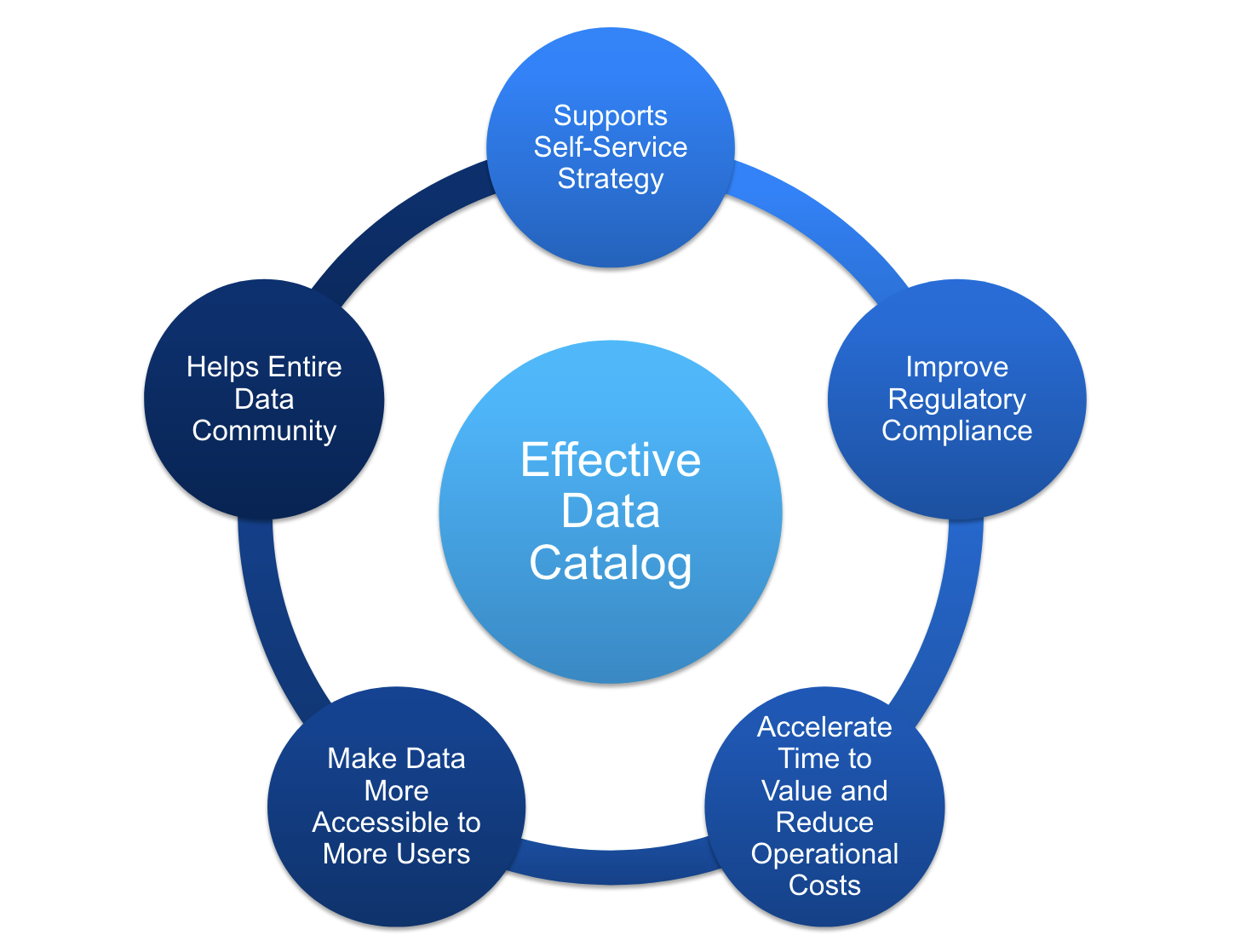
An effective, in house solution would be a data catalog application that a user can use to grab relevant information on specific subsets of data needed to identify trends and gain insight. We want it to be easy to use and efficient, querying through a huge volume of data quickly, but also accurate.

decorative

Wireframing


We decided on a simple search engine. It takes in user input, either free form or data specific, and returns 5-10 results that are most similar to the input. The user can then manually choose a result and get more detailed information on his or her search.


decorative

Backend Analysis


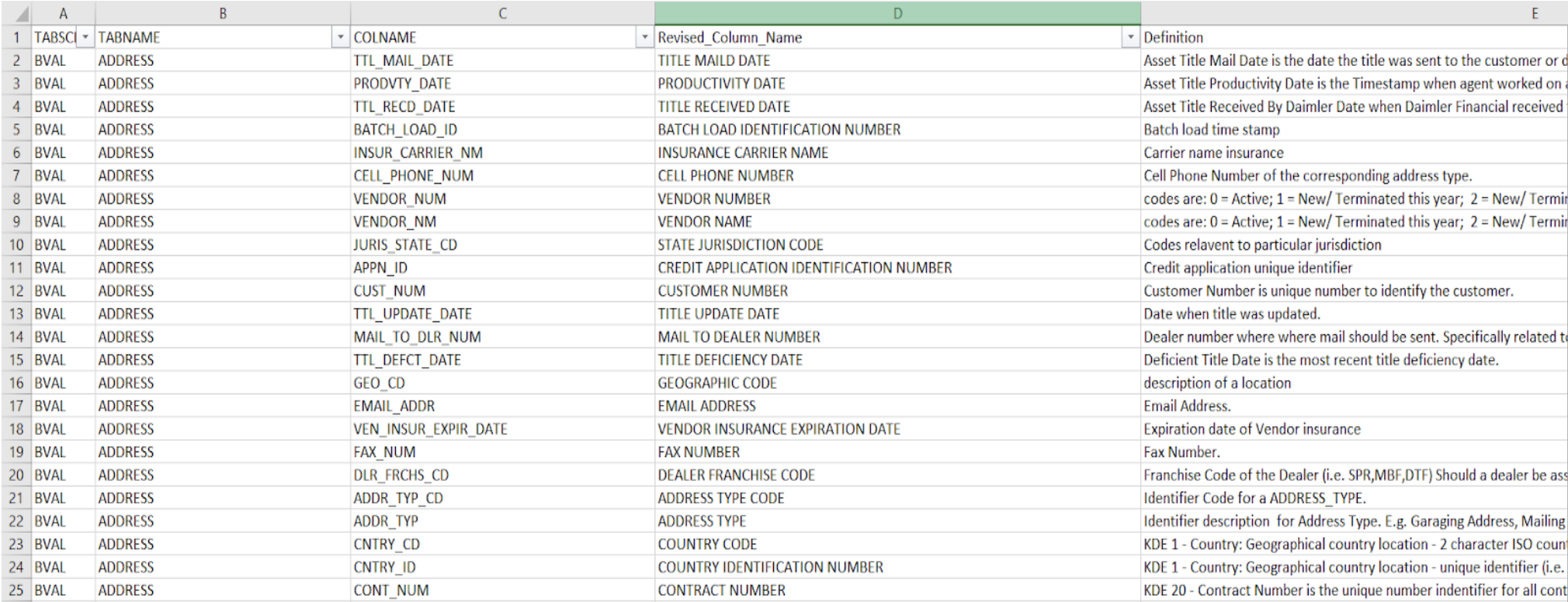
The first step was to tackle the underlying dataset the search engine would be querying for the information it would display. We went in and manually created a new column in the dataset called "Revised_Column_Name" which was basically an unabbreviated version of "COLNAME". This would make the later process of matching the user input to the information in the dataset easier. Although tedious, it ensured the matching would be as accurate as possible.


decorative

How it Works


The application depends on two main functions, one that gets the main idea of the user's search and another that scores how similar the main idea is to each entry in the dataset.


  1. First, the search engine will take in free form text or exact column names. This is where the first function comes into play:
    • Main Idea Function
      • Takes the user's input
      • Lowers everything and removes the punctuation
      • Splits it into separated words
      • Iterates through the words and gets rid of any also present in the stop-word list, a list of commonly used words (such as "the", "a", "an", "in") that we program the search engine to ignore.
      • Joins the remaining words together to form the main idea of the user's input
  2. Next, the application will query Vertica, where the company dataset resides, to pull out the columns of the dataset the user is most likely looking for. This is where the second function comes into play:
    • Scoring System Function
      • Iterates through the dataset and calculates a:
        • score for how similar the main idea is to the revised column name
        • score for how similar the main idea is to the definion
      • Uses a percentage of each score to calculate a composite score:
        • (0.7 * column name score) + (0.3 * definition score)
  3. Lastly, the user will be allowed to manually choose which column they want more information on and the application will display that